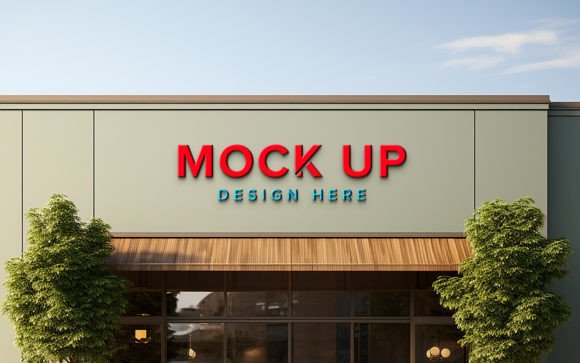
Storefront Facade Logo Mockup: Realistic Branding
Visualizing a brand in the physical world is often the hardest part of the design process. You can spend hours perfecting a vector logo, tweaking kerning, and selecting the perfect color palette, but until that design is placed in a real-world context, it remains an abstract concept. This is where a Storefront Facade Logo Mockup becomes an indispensable tool for designers, marketers, and business owners alike. It bridges the gap between digital creation and physical presence, allowing you to present your work with a level of professionalism that flat images simply cannot achieve.
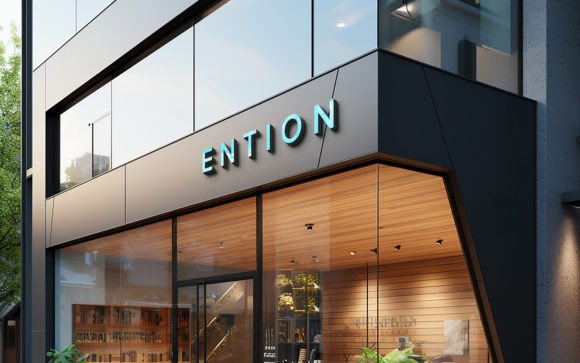
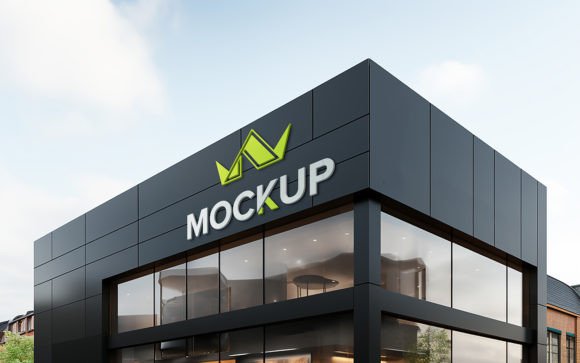
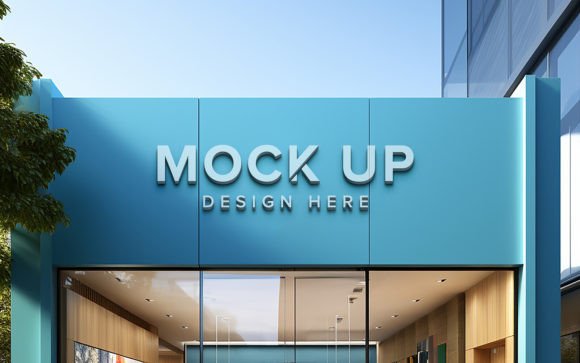
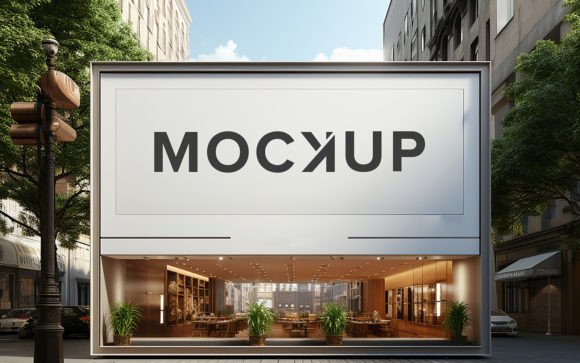
When you use these mockups, you are able to add your own logo, design, or text simply via smart object functionality. The software automatically adjusts your design to have the correct shadows and lighting, making it look like a real installation on a building facade. This seamless integration saves countless hours of manual photo editing while ensuring that the final presentation is photorealistic and compelling.
Why Realism Matters in Client Presentations
The primary strength of a high-quality 3D realistic mockup lies in its ability to evoke an emotional response. Clients and stakeholders often struggle to visualize how a two-dimensional logo will translate to a three-dimensional space. A flat JPEG on a white background does not convey scale, texture, or environmental interaction. By placing your design on a storefront facade, you provide immediate context.
This context helps in several ways. First, it establishes scale. Seeing a logo against brickwork, glass, or concrete gives viewers a tangible sense of size. Second, it demonstrates materiality. The way light hits the sign suggests whether it is painted, mounted, or illuminated. For entrepreneurs and freelancers, this level of detail can be the difference between a hesitant "maybe" and an enthusiastic "yes." It shows that you have thought through the entire brand experience, not just the graphic elements.
Simplifying the Workflow with Smart Objects
One of the most significant barriers to creating realistic mockups has traditionally been technical skill. Achieving proper perspective, lighting, and shadow effects manually in Photoshop requires advanced knowledge of blending modes, layer masks, and transformation tools. However, modern mockup templates have democratized this process through the use of smart objects.
With a Storefront Facade Logo Mockup, the heavy lifting is already done. The file comes fully layered and well-organized in folders, meaning you do not need to hunt for the right layer to edit. The process is straightforward:
- Open the PSD file in Adobe Photoshop.
- Double-click the smart object layer designated for your design.
- Paste your logo or text into the new window.
- Save and close the smart object window.
Instantly, your design appears on the storefront with all the necessary distortions, shadows, and lighting effects applied automatically. This feature ensures that even those with minimal photo editing skills can produce agency-quality visuals. It is 100% editable and requires no specialized training, making it an efficient solution for busy professionals who need to turn around concepts quickly.
Versatile Applications Across Industries
While the primary use case is obvious for retail businesses, the utility of a storefront mockup extends far beyond traditional shops. Here are several practical applications where this tool adds significant value:
Branding and Identity Design
For brand identity designers, presenting a cohesive system is crucial. A storefront mockup allows you to show how the primary logo interacts with architectural elements. It helps in testing legibility from a distance and ensuring that color choices stand out against the building's material.
Real Estate and Commercial Leasing
Real estate agents and property developers can use these mockups to help potential tenants visualize their business in a vacant space. By inserting a generic or specific brand logo onto the facade, they can make an empty shell feel like a thriving business, aiding in faster leasing decisions.
Digital Marketing and Social Media
In the digital age, content is king. High-quality visuals perform better on platforms like Instagram, LinkedIn, and Pinterest. A realistic storefront image is more engaging than a plain logo file. It tells a story and invites the viewer to imagine walking into that store. For marketers, this increases engagement rates and helps build a stronger narrative around a brand launch.
Educational and Portfolio Use
Students and educators in graphic design programs can use these tools to teach principles of environmental graphics. For freelancers building a portfolio, including realistic mockups demonstrates an understanding of real-world application, which is highly attractive to potential clients looking for practical, not just theoretical, design solutions.
Technical Quality and File Specifications
When selecting a mockup, technical specifications matter. The Storefront Facade Logo Mockup described here is built for professional output. It features a resolution of 300 DPI, which is the standard for high-quality printing. Whether you are using the image for a large-format print presentation or a high-resolution digital display, the clarity remains sharp.
The pack includes one PSD file and one JPG preview. The PSD is the core asset, featuring fully layered structures. This organization is critical for efficiency. Well-named folders and layers mean you can quickly locate specific elements if you wish to make further adjustments, such as changing the background color or adjusting the intensity of the shadows. While the smart object handles the main design replacement, having access to the underlying layers provides flexibility for advanced users who want to tweak the environment slightly.
Making the Right Choice for Your Project
Not all mockups are created equal. When evaluating a Storefront Facade Logo Mockup, consider the lighting conditions depicted in the template. Does the lighting match the mood of your brand? A bright, sunny facade might suit a cheerful cafe, while a moody, evening shot might be better for a upscale bar or tech startup. The automatic shadow and lighting features are only effective if the base image aligns with your brand's aesthetic.
Additionally, ensure that the angle of the storefront complements your logo's shape. Some facades are viewed head-on, while others are at a perspective angle. Choose a template that highlights the strengths of your design. If your logo is wide and horizontal, a wide-angle facade shot may work best. If it is vertical or stacked, look for a mockup with more vertical space.
Remember, the goal is to enhance communication. A good mockup should not distract from the design but rather elevate it. By using a tool that automates the complex aspects of realism, you free up mental energy to focus on the creative strategy. It allows you to iterate faster, test more variations, and ultimately deliver a more polished final product.
Finally, always remember to support the creators who build these resources. If you find the Storefront Facade Logo Mockup useful for your workflow, please take a moment to rate it. Feedback helps developers improve their tools and continue providing high-quality assets that make our jobs easier. Whether you are a seasoned agency director or a solo entrepreneur launching your first venture, integrating realistic mockups into your presentation toolkit is a small step that yields significant professional returns.