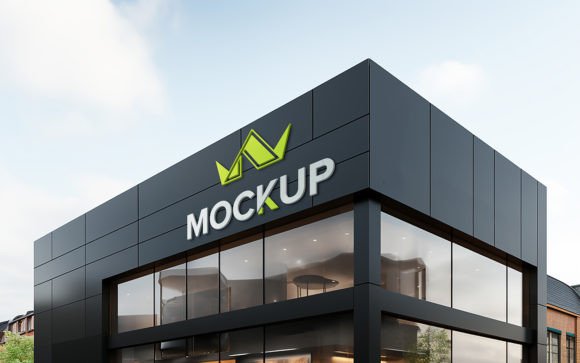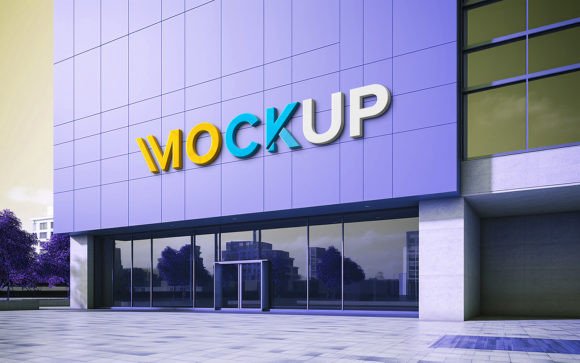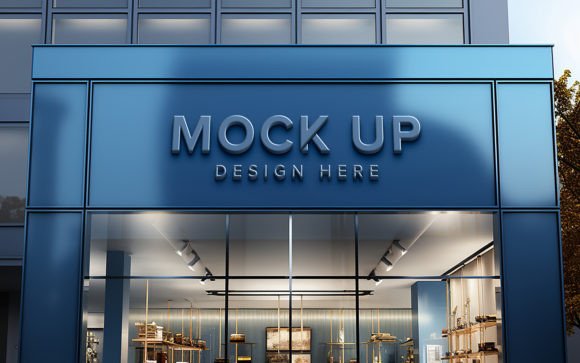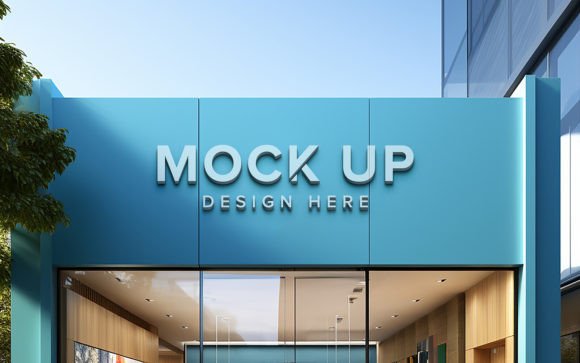
Mastering the Facade Sign Front Logo Mockup PSD for Realistic Brand Presentations
Presenting a logo design to a client or showcasing your brand identity on social media requires more than just a flat digital file. Context is everything. This is where a Facade Sign Front Logo Mockup PSD becomes an indispensable tool for designers, marketers, and business owners. By placing your design onto a photorealistic building exterior, you bridge the gap between abstract concept and tangible reality. However, many users underestimate the technical nuances involved in using these templates effectively. While the promise of "no skill requirement" is appealing, achieving a truly professional result demands attention to detail that goes beyond simple drag-and-drop actions.
Understanding the Value of Realistic Context
A high-quality 3D realistic mockup does more than display your logo; it sells the vision. When potential customers or clients see your branding integrated into a physical environment, such as a storefront sign, they can better visualize the final product. The Facade Sign Front Logo Mockup PSD typically includes smart object layers that allow for automatic shadow and lighting adjustments. This feature is crucial because it ensures your design adheres to the perspective and illumination of the scene, creating a seamless blend between the digital artwork and the photographic background.
For entrepreneurs and small business owners, this level of realism can be the difference between securing a lease approval, winning a client pitch, or generating excitement on Instagram. It transforms a static graphic into a narrative about your brand’s presence in the real world. Yet, the ease of use offered by smart objects can sometimes lead to complacency, resulting in presentations that look technically correct but visually unconvincing.
Common Pitfalls in Using Smart Object Mockups
One of the most frequent mistakes users make is ignoring the source resolution of their logo. Even though the mockup itself is high quality, often at 300 DPI, inserting a low-resolution or pixelated logo will ruin the effect. The smart object will scale your image to fit the designated area, but it cannot create detail that does not exist. If your original file is a small JPEG rather than a vector-based PNG or SVG, the edges will appear jagged, and the professional illusion will break immediately. Always ensure your source file is crisp and high-resolution before importing it into the PSD.
Another overlooked detail is color matching. The lighting in a facade photo is rarely neutral. It may have warm sunlight, cool shadows, or ambient reflections from nearby buildings. A common error is placing a bright, saturated logo into a dimly lit scene without adjusting its brightness or contrast. While the mockup applies shadows automatically, it does not always adjust the core color values of your design to match the environmental light. This can make the logo look like it is floating above the sign rather than being painted or mounted on it. To avoid this, take a moment to tweak the hue and saturation of your design layer to harmonize with the background tones.
The Importance of Layer Organization and Editing
Many users download a Fully layered and well Organized PSD file but fail to explore the folder structure. These templates are designed with efficiency in mind, but they also offer control. Inside the folders, you may find adjustment layers for brightness, contrast, or color balance that are linked to the smart object. Ignoring these limits your ability to fine-tune the result. For instance, if the automatic lighting makes your logo too dark, you can often lighten the specific adjustment layer without affecting the rest of the image.
Furthermore, some beginners assume that "100% Editable" means they can change the entire scene. While you can replace the logo, text, or design, altering the background architecture or lighting direction usually requires advanced Photoshop skills beyond the scope of a standard mockup template. Understanding the boundaries of what the template can do helps prevent frustration. If you need a different angle or time of day, it is better to search for a different mockup that matches your specific needs rather than trying to force a single template to do everything.
Checking Quality Before You Commit
Before downloading or purchasing any Facade Sign Front Logo Mockup PSD, there are several factors you should evaluate to ensure it meets your standards. First, check the DPI rating. A resolution of 300 DPI is essential for print-ready presentations or high-definition screens. Lower resolutions may look acceptable on a small phone screen but will appear blurry when viewed on larger monitors or printed materials.
Second, examine the preview images closely. Look for signs of poor masking around the edges of the sign. If the transition between the signboard and the building wall looks unnatural or has halos, the mockup likely lacks the precision needed for professional work. High-quality 3D realistic mockups will have clean edges and accurate perspective distortion.
Third, consider the versatility of the smart object. Does it allow for easy text replacement? Can it handle complex logos with transparency? Reading user reviews can provide insight into whether the template is truly "Very Easy to Edit" or if it requires troubleshooting. A well-organized file should have clearly labeled layers, making it simple to locate the smart object for replacement without digging through dozens of unnamed groups.
Best Practices for Professional Results
To maximize the impact of your facade sign mockup, follow these practical steps:
- Use Vector Sources: Whenever possible, import your logo as a vector or a high-resolution PNG with a transparent background. This ensures sharp edges regardless of scaling.
- Match the Perspective: Although smart objects handle most of the warping, double-check that your design aligns correctly with the sign’s boundaries. Zoom in to inspect corners and edges.
- Adjust Lighting Manually: Don’t rely solely on automatic effects. Use adjustment layers to tweak the brightness and contrast of your logo so it sits naturally within the scene’s lighting conditions.
- Keep Layers Organized: If you make multiple versions, keep your PSD tidy. Name your layers clearly to avoid confusion during the editing process.
By approaching the Facade Sign Front Logo Mockup PSD with a critical eye and a willingness to refine the details, you can create stunning visualizations that elevate your brand presentation. Remember, the tool provides the foundation, but your attention to quality and context delivers the final polish. Whether you are a freelancer pitching to a new client or a business owner planning a storefront renovation, investing time in mastering these mockups will yield significant returns in communication clarity and professional credibility.