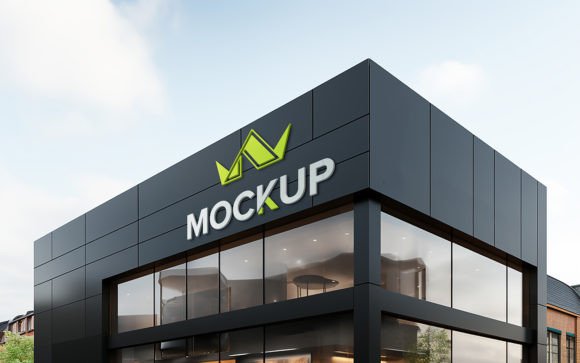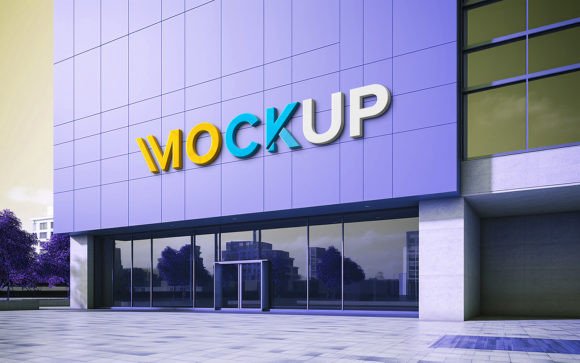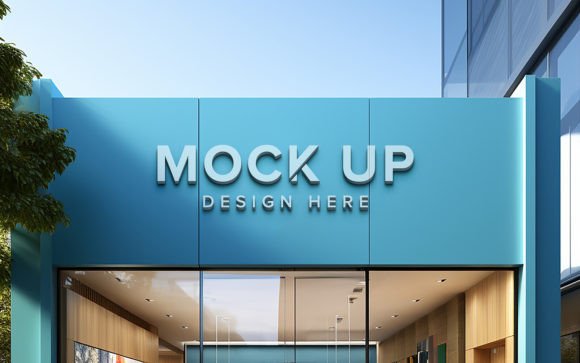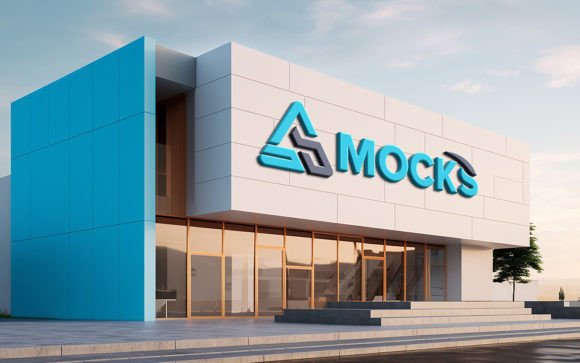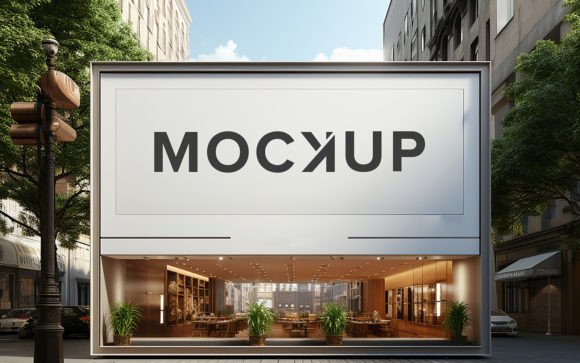
Transforming Brand Identity with a Realistic Logo Mockup Store Sign
In the competitive landscape of modern branding, the gap between a digital design file and a physical storefront presence can often feel insurmountable for small business owners and independent designers. A logo on a white background in Adobe Photoshop does not convey the same emotional weight or spatial context as that same logo mounted on a textured wall, illuminated by ambient street lighting, and viewed from a pedestrian’s perspective. This is where the utility of a Realistic Logo Mockup Store Sign becomes indispensable. It serves not merely as a presentation tool, but as a critical bridge between conceptual design and tangible reality, allowing creators to visualize, refine, and sell their branding concepts with unprecedented clarity.
The evolution of digital mockups has shifted from simple flat overlays to complex, three-dimensional environments that account for physics, light, and material properties. By utilizing high-quality 3D realistic assets, professionals can bypass the expensive and time-consuming process of physical prototyping. Instead, they rely on smart object technology to automatically apply correct shadows, lighting, and perspective distortions. This ensures that the final output looks like a photograph taken on location, rather than a composite image assembled in post-production. For educators, hobbyists, and seasoned graphic designers alike, understanding how to leverage these tools is essential for maintaining a professional edge in client presentations and portfolio development.
The Mechanics of Smart Object Integration
At the core of any effective mockup template is the smart object feature. For those unfamiliar with advanced Photoshop workflows, this technology might seem daunting, but its primary purpose is simplification. A well-structured Realistic Logo Mockup Store Sign package typically includes a PSD file where the complex rendering work has already been completed. The user is presented with a specific layer, often labeled "Replace Here" or similar, which acts as a container for their unique design.
When a designer double-clicks this smart object layer, a new window opens containing their placeholder content. They simply paste their logo, text, or vector design into this space. Upon saving and closing the window, the main document updates instantly. The software automatically maps the flat design onto the three-dimensional surface of the store sign. More importantly, it preserves the environmental interactions. If the original 3D render included a subtle shadow cast by the sign’s lettering onto the brick wall behind it, that shadow remains intact. If there is a glare from a nearby streetlamp reflecting off the metallic surface of the sign, that highlight interacts naturally with the new colors and shapes of the inserted logo. This automation eliminates the need for manual masking, blending modes, or perspective warping, making the editing process accessible even to those with minimal technical skill.
Visual Fidelity and Material Realism
The value of a mockup is directly proportional to its realism. A low-resolution image with poor lighting can undermine the perceived quality of the brand it represents. High-end mockup templates are rendered at 300 DPI, ensuring that every pixel contributes to a crisp, print-ready image. This resolution is crucial for professionals who may need to use the mockup in large-format presentations or high-quality printed lookbooks.
Beyond resolution, the texture and lighting play pivotal roles. A Realistic Logo Mockup Store Sign often features materials such as brushed aluminum, weathered wood, neon tubing, or backlit acrylic. Each material reacts differently to light. Metal reflects sharply, wood absorbs light and shows grain, and acrylic diffuses light softly. When a design is applied via a smart object, the underlying displacement maps ensure that the logo appears to sit on top of these textures rather than floating above them. For instance, if the sign has a rough concrete background, the edges of the logo will subtly conform to the uneven surface, creating a sense of physical integration. This level of detail helps clients visualize how their brand will age and interact with its environment over time.
Practical Applications Across Industries
The versatility of store sign mockups extends far beyond traditional retail. Various sectors utilize these tools to enhance their visual communication strategies.
- Retail and Hospitality: Coffee shops, boutiques, and restaurants rely heavily on curb appeal. A realistic mockup allows owners to test different color schemes and font choices against their actual building facade before committing to manufacturing costs.
- Corporate Branding: Large corporations use these mockups for internal stakeholder meetings. Presenting a new subsidiary’s logo on a realistic office entrance sign helps executives grasp the scale and impact of the rebrand more effectively than a slide deck of flat logos.
- Freelance Designers: For creatives selling services on platforms like Upwork or Fiverr, the ability to deliver a lifelike preview of the final product can be the deciding factor in winning a contract. It demonstrates professionalism and attention to detail.
- Educational Institutions: Graphic design teachers use these files to teach students about context, scale, and environmental graphics. It provides a safe sandbox for experimenting with real-world constraints without material waste.
Workflow Efficiency and Organization
Time is a scarce resource for most creators. A poorly organized file can turn a five-minute task into an hour-long frustration. Premium mockup packs prioritize user experience through meticulous layer organization. All elements are grouped into clearly labeled folders, such as "Background," "Signage," "Lighting Effects," and "Smart Objects." This structure allows users to toggle visibility on and off, adjust the intensity of shadows, or change the background environment if the template supports it.
The claim of "no skill requirement" is not merely marketing hyperbole when applied to well-engineered templates. Because the heavy lifting of 3D rendering and lighting calculation is baked into the file, the user’s role is reduced to creative decision-making rather than technical execution. This democratization of high-end visualization tools means that a hobbyist designing a logo for a local community center can achieve the same visual fidelity as a major advertising agency. The fully layered nature of the PSD also allows for deeper customization. Advanced users might choose to adjust the color balance of the ambient light to match a specific time of day, further enhancing the narrative of the image.
Considerations for Optimal Results
While the technology is robust, achieving the best results requires some attention to detail from the user. The source file used for replacement should be high-quality. Vector files (AI, EPS, SVG) are ideal because they scale infinitely without losing resolution. If using raster images like PNGs, they should be high-resolution to avoid pixelation when stretched across the sign’s surface. Additionally, designers should consider the contrast between their logo colors and the sign’s material. A dark logo on a dark wooden sign may get lost, whereas the same logo on a backlit acrylic panel would pop vividly.
It is also important to respect the perspective of the mockup. Since the camera angle is fixed in a 3D render, designs that rely heavily on symmetrical balance might need slight adjustments to appear centered from the viewer’s vantage point. However, most modern smart objects handle this alignment automatically, correcting for perspective distortion so that the text remains legible and proportionate.
The Role of Feedback and Community
In the digital marketplace, the ecosystem surrounding these tools is vital. Users are often encouraged to rate and review the products they purchase. This feedback loop helps developers identify bugs, improve layer organization, and add new features in future updates. For buyers, reading reviews provides insight into the ease of use and the realism of the lighting effects. A highly-rated Realistic Logo Mockup Store Sign is likely to have been tested by a diverse range of users, ensuring compatibility across different versions of Photoshop and varying design styles.
Ultimately, the integration of realistic mockups into the design workflow represents a shift towards more holistic brand development. It forces designers to think beyond the two-dimensional plane and consider how their creations exist in the physical world. By leveraging tools that offer high-quality 3D realism, smart object replacement, and easy editability, professionals can elevate their presentations, reduce client revision cycles, and bring their creative visions to life with stunning accuracy. Whether for a small startup or a global enterprise, the ability to visualize a brand in situ is no longer a luxury—it is a necessity for effective communication.