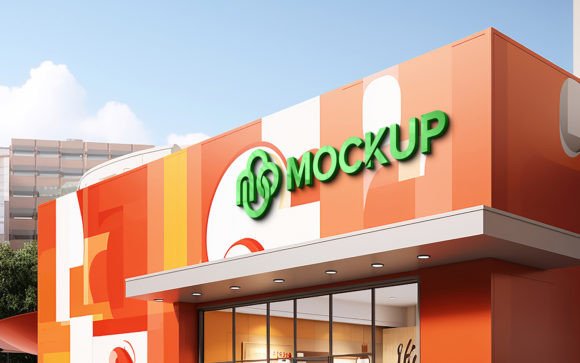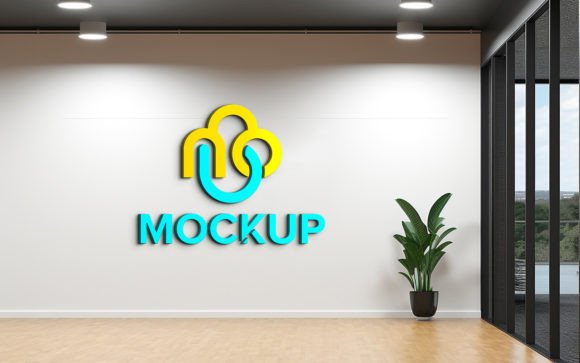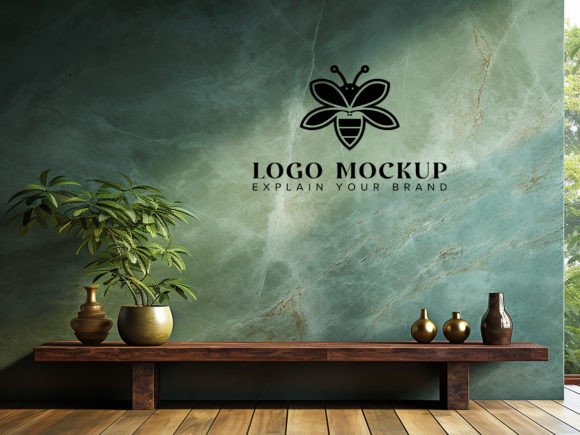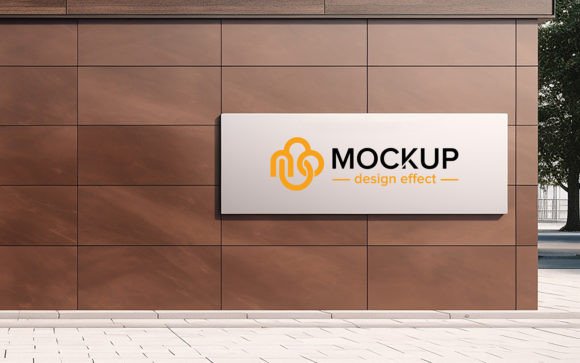
Perspective Logo Mockup on Receptionist: Elevating Brand Presentations with Realistic 3D Visuals
First impressions are not just a cliché in the business world; they are the currency of trust. When a client walks into an office, the reception area is the first physical touchpoint with your brand identity. For graphic designers, branding agencies, and marketing professionals, presenting a logo design on a flat white background often fails to convey the emotional weight and professional polish of the final product. This is where the Perspective Logo Mockup on Receptionist becomes an indispensable tool. It bridges the gap between a digital concept and a tangible reality, allowing you to showcase your work in a context that feels authentic, high-end, and immediately understandable.
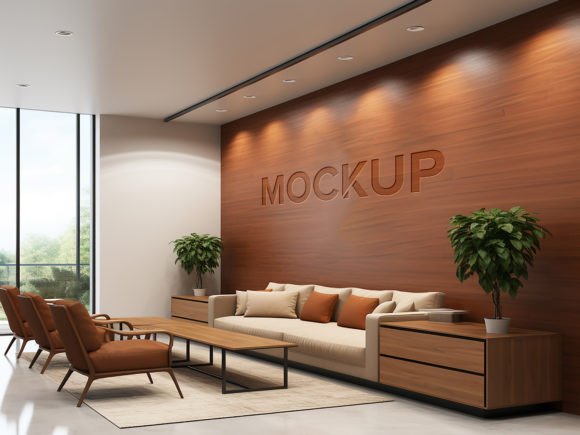
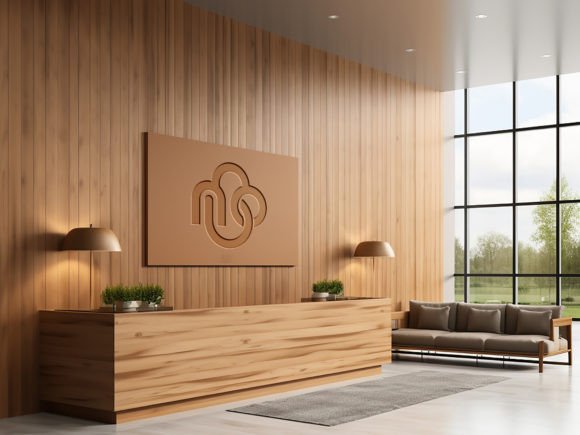
This specific type of mockup places your logo design within a sophisticated office environment, typically featuring a reception desk or a wall behind a receptionist’s station. The perspective is carefully crafted to mimic how a visitor would naturally see the branding upon entering the space. By using this resource, you are not just displaying a logo; you are selling a vision of the company’s culture and professionalism.
Why Context Matters in Brand Presentation
Many designers struggle with client approvals because clients lack the visual literacy to imagine how a 2D vector file will look in the real world. A logo might look perfect on a screen, but clients often worry about scale, material texture, and lighting. The Perspective Logo Mockup on Receptionist solves this communication barrier by providing a hyper-realistic 3D environment.
When you place your design into this scene, the smart object technology automatically applies the correct shadows, reflections, and lighting angles. This means your logo doesn’t just sit on top of the image; it interacts with the environment. If the reception desk has a glossy finish, your logo reflects subtly. If the wall has texture, the design conforms to it. This level of detail reassures clients that you have thought through the practical application of their brand identity, moving the conversation from "Does this look nice?" to "This looks like our company."
Ideal Scenarios for Using Reception Mockups
The versatility of this mockup extends across various industries and professional needs. Understanding where and how to deploy it can significantly enhance your portfolio and client pitches.
- Corporate Rebranding Pitches: When proposing a new identity for a law firm, financial institution, or tech startup, the reception area is a critical zone. Showing the logo on a sleek, modern reception desk helps stakeholders visualize the prestige and stability of the new brand.
- Interior Design Collaborations: Interior designers often need to show clients how signage will integrate with architectural elements. This mockup allows them to demonstrate scale and placement without needing to create complex 3D renders from scratch.
- Freelance Portfolios: For designers seeking high-ticket clients, a portfolio filled with flat logos can appear amateurish. Including realistic environmental mockups demonstrates a higher level of service and attention to detail, suggesting that you understand the holistic nature of branding.
- Social Media Content: Marketing teams can use these images for LinkedIn or Instagram posts to announce office openings, rebrands, or company milestones. The realistic aesthetic performs better than abstract graphics because it feels grounded and relatable.
Technical Ease and Accessibility
One of the most significant advantages of the Perspective Logo Mockup on Receptionist is its user-friendly architecture. You do not need to be a 3D modeling expert or a Photoshop wizard to achieve professional results. The file is built with smart objects, which is a game-changer for efficiency.
To use it, you simply open the designated smart object layer, paste your logo or text, and save. The software automatically handles the heavy lifting: warping the design to fit the perspective, adjusting the opacity for realistic blending, and applying shadow layers that match the ambient light of the scene. This "no skill requirement" aspect means that even junior designers or non-designers, such as small business owners creating their own materials, can produce high-quality visuals in minutes.
The pack includes a high-quality PSD file and a JPG preview, ensuring you have both the editable source and a quick-reference image. With 300 DPI resolution, the output is print-ready, meaning you can also use these visuals for physical presentation boards or high-resolution brochures without losing clarity. The layers are fully organized into folders, making navigation intuitive. Whether you want to adjust the background color, tweak the lighting intensity, or modify the desk material, the well-structured file allows for 100% editability.
Considerations Before Choosing Your Mockup
While the benefits are clear, selecting the right mockup requires some strategic thinking. Not every reception style fits every brand. The Perspective Logo Mockup on Receptionist typically features a clean, modern aesthetic. This works exceptionally well for contemporary brands, minimalist designs, and corporate identities. However, if you are branding a rustic boutique, a vintage cafe, or an industrial warehouse space, you must ensure the mockup’s environment aligns with that vibe.
Lighting is another critical factor. The mockup comes with pre-set lighting that creates a realistic look, but you should check if the direction of the light complements your logo’s colors. Dark logos may get lost in shadowed areas, while very bright neon designs might look unnatural if the environment is softly lit. Always take a moment to adjust the brightness or contrast of your logo layer within the smart object to ensure it pops appropriately against the background.
Additionally, consider the aspect ratio of your logo. Since the mockup uses a specific perspective, extremely wide or tall logos might need scaling adjustments to fit the designated space naturally. The smart object allows for transformation, so don’t hesitate to resize or rotate your design slightly to match the angle of the surface it rests on.
Enhancing Perceived Value
Using high-quality mockups like this one is not just about aesthetics; it is about perceived value. When a client sees their logo rendered in a photorealistic setting, they subconsciously associate that quality with your service. It suggests that you invest in premium tools and care about the final presentation. This can justify higher pricing for your design services and reduce the number of revision rounds, as the client can clearly see the end goal.
Moreover, these mockups are excellent for A/B testing. You can quickly swap out different logo variations—such as color modes or icon placements—to see which one stands out better in the reception environment. This data-driven approach to design selection can lead to more confident decision-making for your clients.
In conclusion, the Perspective Logo Mockup on Receptionist is more than a digital asset; it is a communication tool that enhances clarity, builds trust, and elevates the perceived quality of your work. By integrating realistic 3D visuals into your workflow, you transform abstract designs into tangible brand experiences. Whether you are a seasoned agency director or a solo entrepreneur, leveraging this tool can streamline your presentation process and help you secure approvals faster. Remember to explore the editable features fully, customize the environment to suit your brand’s narrative, and always prioritize the realism that makes your design feel inevitable and right.