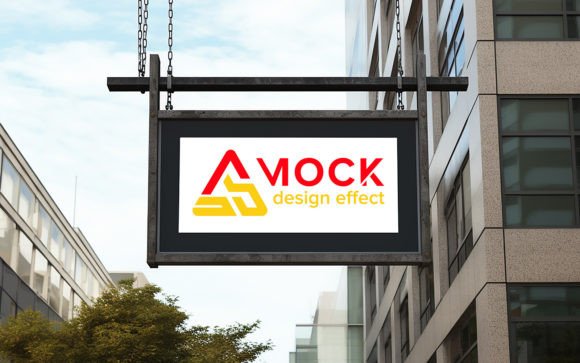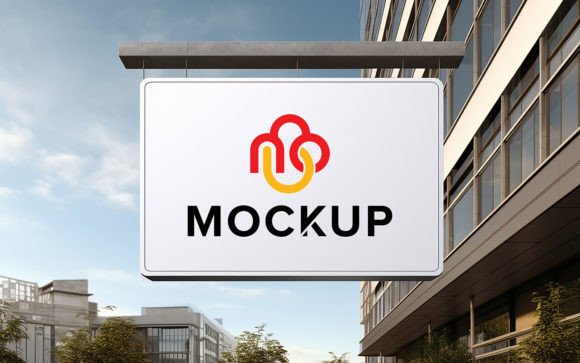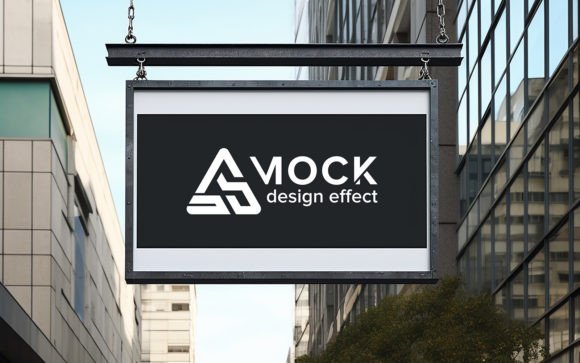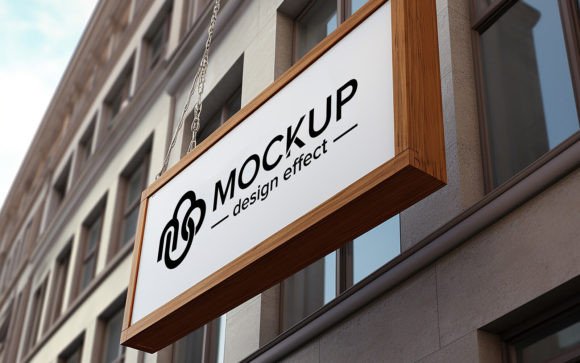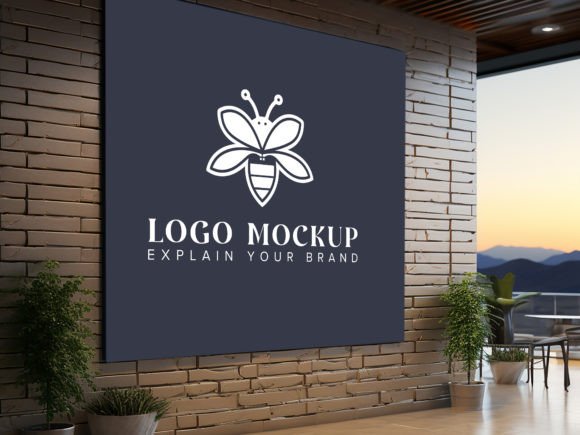
Realistic Logo on Wall Office Mockup
Presenting a brand identity to a client or visualizing how a new design will look in a physical space can often feel abstract. Digital files on a screen rarely convey the same weight and presence as a tangible object in a real-world environment. This is where a high-quality Logo on Wall Office Wall Mockup becomes an indispensable tool for designers, marketers, and business owners. It bridges the gap between a flat graphic file and a lived-in professional reality, allowing you to showcase your work with clarity and impact.
The primary appeal of this resource lies in its ability to transform a simple logo into a centerpiece of a modern office interior. Instead of sending a static JPEG that might get lost in an email thread, you provide a visual context that helps stakeholders understand scale, texture, and aesthetic fit. With these mockups, you are able to add your own logo, design, or text simply via smart object functionality. The software automatically adjusts your design to have the correct shadows and lighting, making it look like a real installation rather than a digital paste-job.
Why Realism Matters in Brand Presentation
In the competitive world of branding, perception is everything. A logo placed on a plain white background tells a viewer what the shape and color are, but it does not tell them how the brand feels. By using a 3D realistic representation, you introduce elements of depth, material texture, and environmental lighting. These subtle cues trigger a psychological response in the viewer, suggesting stability, professionalism, and attention to detail.
For freelancers and small agencies, this level of polish can be the deciding factor in winning a contract. Clients often struggle to visualize how a vector file translates to physical signage. A well-executed wall mockup removes that uncertainty. It shows the logo as it would appear in a lobby, conference room, or creative studio, providing a concrete reference point for decision-making. This reduces back-and-forth revisions caused by mismatched expectations and helps move projects forward more efficiently.
Simplifying the Design Workflow
One of the most significant barriers to creating high-end presentations is the technical skill required to manipulate light and shadow manually. Traditionally, achieving a photorealistic look would require advanced knowledge of 3D rendering software or hours of meticulous layer masking in Photoshop. This template eliminates that hurdle entirely. The feature set is designed for speed and accessibility, ensuring that even those with basic software skills can produce professional results.
The core mechanism relies on Smart Object Replacement. This means you do not need to distort, warp, or adjust opacity levels manually. You simply double-click the designated smart object layer, paste your logo, save, and close. The mockup handles the rest. It automatically applies perspective transforms, blends modes, and realistic drop shadows that match the ambient light of the office scene. This "no skill requirement" approach allows creators to focus on the design itself rather than the technical execution of the presentation.
- High Quality 3D Realistic: The base image is rendered with precise attention to detail, ensuring textures like paint, drywall, or metal look authentic.
- Fully Layered and Organized: Every element is separated into clearly labeled folders, making navigation intuitive and preventing accidental edits to the background.
- 100% Editable: Beyond just the logo, you can often adjust background colors or lighting intensity to better match specific brand guidelines.
- 300 DPI Resolution: The high resolution ensures that the final output remains crisp and clear, whether viewed on a high-definition monitor or printed for a physical portfolio.
Versatile Applications for Creators and Businesses
The utility of a wall mockup extends far beyond traditional graphic design portfolios. Entrepreneurs launching a new startup can use these visuals for pitch decks, helping investors visualize the company culture before the office is even leased. Social media managers can create engaging content for Instagram or LinkedIn, showcasing behind-the-scenes branding updates that resonate with followers who appreciate aesthetic consistency.
Educators and students in design programs also benefit significantly from these tools. They provide a safe, low-risk environment to experiment with placement, sizing, and color theory without the cost of physical production. A student can test how a neon sign effect looks against a concrete wall versus how a minimalist vinyl decal appears on painted drywall, gaining valuable insights into material interaction.
Furthermore, interior designers and architects can use these mockups to communicate with clients about signage placement. By inserting a client’s actual logo into a proposed office layout, they can demonstrate how branding integrates with spatial design, ensuring that the visual identity complements the architectural elements rather than clashing with them.
Key Considerations Before Use
While these tools are powerful, choosing the right mockup requires some thought. Not every office setting suits every brand personality. A gritty, industrial loft style might perfectly suit a tech startup or a creative agency but could feel disjointed for a conservative law firm or a healthcare provider. Always consider the target audience and the brand voice when selecting the background environment.
Additionally, pay attention to the lighting direction in the mockup. If your logo has specific highlights or metallic finishes, ensure the light source in the image aligns with how those materials would naturally reflect light. Most high-quality packs, including this one, offer well-organized layers that allow for minor adjustments, but starting with a compatible base image saves time.
It is also worth noting the file format. This pack includes one PSD file for editing and one JPG for quick previewing. Ensure you have access to Adobe Photoshop or a compatible program that supports smart objects to take full advantage of the automated features. Without this software capability, the ease of use and automatic shadow generation will not function as intended.
Enhancing Your Professional Toolkit
Investing in versatile presentation tools is an investment in your professional credibility. A Logo on Wall Office Wall Mockup is not just a decorative asset; it is a communication device. It speaks to your competence, your understanding of real-world application, and your commitment to quality. By leveraging these ready-to-use resources, you elevate your deliverables from simple files to compelling visual stories.
Whether you are a seasoned designer looking to streamline your workflow or a beginner eager to make a strong first impression, this tool offers a straightforward path to excellence. The combination of high-resolution imagery, intelligent layer organization, and user-friendly smart objects ensures that your focus remains on creativity. As you integrate these mockups into your routine, you will likely find that client approvals come faster and your portfolio stands out with greater authority.
Remember, the goal is to make your design look inevitable, as if it belongs in that space. With the right mockup, you achieve that illusion effortlessly. If you find this resource helpful in your projects, please consider rating it to help other creators discover its value. Your feedback contributes to a community of shared knowledge and continuous improvement in digital design resources.