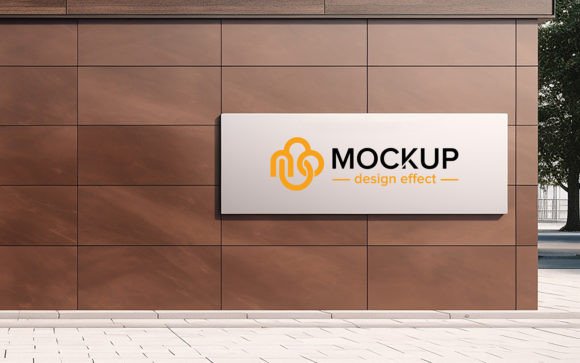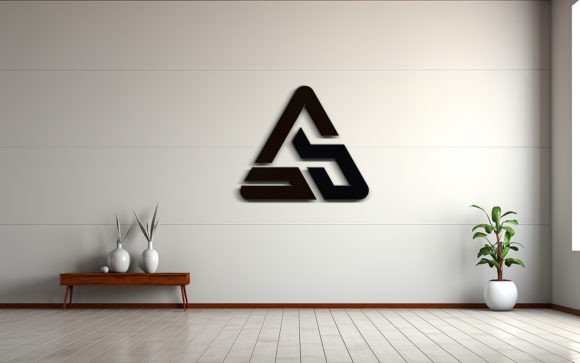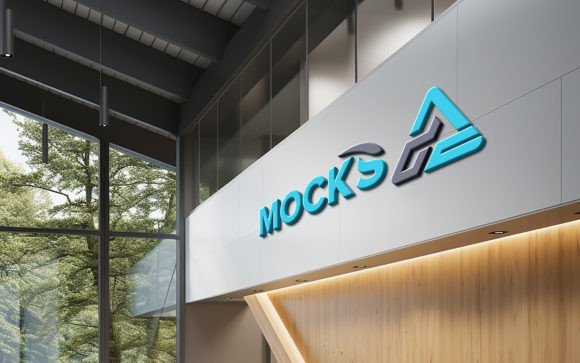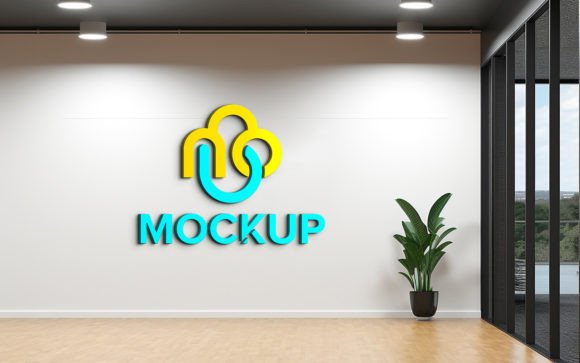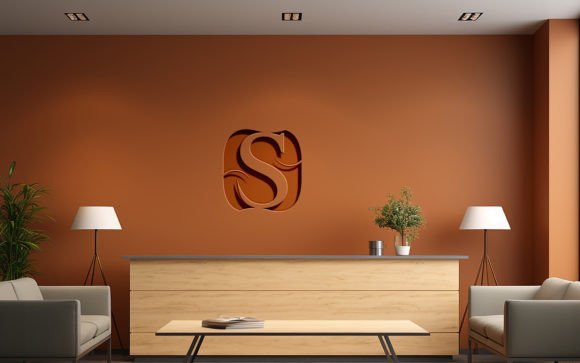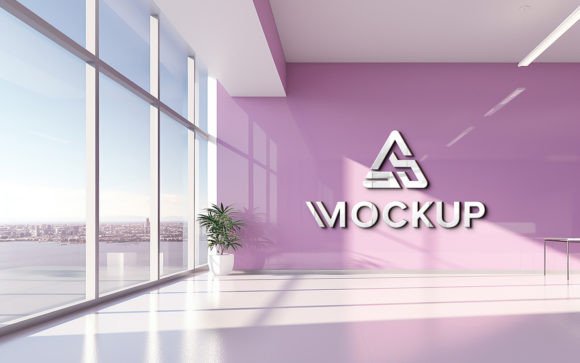
Realistic Logo Mockup on Office Wall
Visualizing a brand identity in a physical space is often the most challenging part of the design process. Clients and stakeholders frequently struggle to imagine how a flat, two-dimensional logo will translate into a three-dimensional environment. This is where a high-quality Logo Mockup on Company Office Wall becomes an indispensable tool for designers, marketers, and business owners. By placing your design into a photorealistic setting, you bridge the gap between concept and reality, allowing viewers to appreciate the scale, texture, and presence of the branding before any physical production begins.
The value of this approach lies in its ability to provide immediate context. A logo sitting on a white background tells only half the story. When that same logo is rendered on a textured office wall, complete with ambient lighting and natural shadows, it communicates professionalism and permanence. For entrepreneurs pitching to investors or agencies presenting to new clients, this visual clarity can be the deciding factor in securing approval. It transforms an abstract idea into a tangible asset, making the brand feel established and credible from day one.
Streamlining the Design Workflow with Smart Objects
One of the most significant barriers to creating realistic presentations is technical complexity. Traditionally, achieving a photorealistic look required advanced skills in 3D rendering or extensive manual editing in Photoshop to match perspective, lighting, and shadow density. However, modern tools have democratized this process. With a template designed for a Logo Mockup on Company Office Wall, the technical heavy lifting is already done. The core feature enabling this ease of use is the Smart Object Replacement function.
Smart objects allow users to insert their own logo, design, or text simply by double-clicking a specific layer. Once the new design is saved, the mockup automatically applies the correct transformations. This means your design will instantly adopt the perspective of the wall, blend with the surface texture, and react to the scene’s lighting conditions. There is no need to manually adjust opacity, blur shadows, or warp images. This automation ensures that even users with minimal graphic design experience can produce results that look like they were created by a senior art director. The time saved here is substantial, allowing professionals to focus on creative strategy rather than technical execution.
Enhancing Realism Through Lighting and Texture
The credibility of a mockup depends entirely on its realism. A flat image pasted onto a photo looks artificial and can undermine the perceived quality of the brand. High-quality templates address this by incorporating 3D realistic elements that mimic real-world physics. In a professional office setting, light does not hit a surface evenly. There are gradients, soft shadows cast by nearby furniture, and subtle reflections depending on the wall material—whether it is painted drywall, concrete, or glass.
When using a premium Logo Mockup on Company Office Wall, these nuances are pre-calculated. The template includes complex layer structures that manage highlights and shadows independently. This ensures that if your logo has metallic elements, they will catch the light appropriately. If the wall has a slight texture, the logo will appear to sit on top of it rather than floating above it. This level of detail is crucial for high-stakes presentations where attention to detail signals competence. It helps stakeholders visualize the final outcome with confidence, reducing the likelihood of costly changes during the actual installation phase.
Practical Applications for Diverse Professionals
The utility of this tool extends beyond just graphic designers. Various professionals can leverage these assets to improve their communication and outcomes:
- Brand Consultants: Use the mockup to show clients how their new identity will dominate their physical workspace, reinforcing the value of the rebrand.
- Interior Designers: Integrate client logos into office renderings to provide a complete view of the customized corporate environment.
- Marketing Managers: Create compelling social media content or press kits that showcase the company’s growth and physical presence without needing a professional photoshoot.
- Freelancers: Enhance portfolio pieces by displaying client work in a realistic context, making the projects appear more substantial and impactful.
For small business owners, this tool is particularly valuable when budget constraints prevent hiring a photographer for every branding update. Instead of staging a physical shoot, which requires logistics, lighting equipment, and post-production time, a digital mockup provides an instant, high-resolution alternative. It allows for rapid iteration; if the client wants to see the logo in a different color or size, it can be adjusted in seconds rather than days.
Technical Specifications and Ease of Use
To ensure the final output meets professional standards, the quality of the source file is paramount. A robust Logo Mockup on Company Office Wall package typically includes a high-resolution PSD file, often at 300 DPI. This resolution is critical for print materials or large-format displays where pixelation would be noticeable. The file structure is usually fully layered and well-organized into folders, making navigation intuitive. Users can easily toggle visibility for different elements, such as background decorations or foreground objects, to customize the scene further.
The editing process is designed to be 100% editable and requires no specialized skill set. Because the layers are logically grouped, users can isolate specific components if they wish to make deeper adjustments. However, for most use cases, the primary workflow remains simple: open the smart object, paste the logo, save, and review. The accompanying JPG files serve as quick previews or ready-to-use images for digital platforms where editing is not required. This dual-format approach ensures flexibility for both web and print applications.
Making Informed Decisions with Visual Clarity
Ultimately, the goal of using a mockup is to facilitate better decision-making. When stakeholders can see a realistic representation of the brand in its intended environment, discussions become more productive. Ambiguities regarding size, color harmony, and visual impact are resolved early in the process. This reduces the risk of miscommunication and ensures that the final physical installation matches the approved design.
It is important to note that while mockups are powerful, they are simulations. Users should always consider the specific materials and lighting conditions of the actual office space. A mockup provides a close approximation, but factors like natural light changes throughout the day or specific wall finishes may alter the final appearance slightly. Therefore, these tools are best used as a guide for approval and visualization rather than a strict blueprint for construction. Nevertheless, the confidence they inspire is invaluable.
In conclusion, integrating a Logo Mockup on Company Office Wall into your design workflow offers a blend of efficiency, realism, and professional polish. It empowers creators to present their work with authority and helps clients visualize the tangible impact of their brand. By leveraging smart object technology and high-quality 3D rendering, users can achieve stunning results without extensive technical training. Whether you are refining a portfolio, pitching a new client, or planning an office renovation, this tool simplifies the journey from concept to realization.