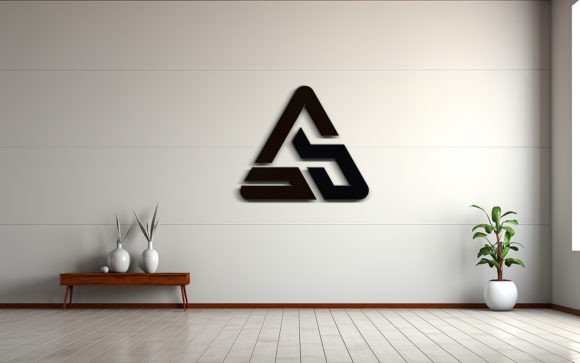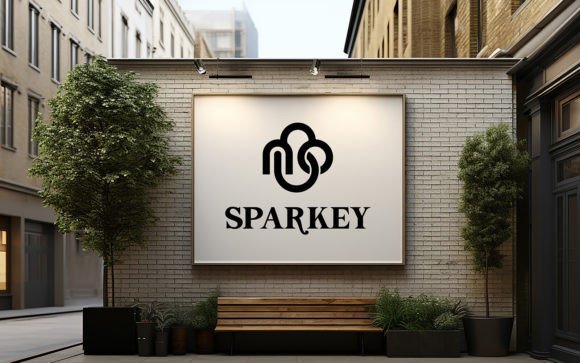
Outdoor Board Wall Logo Mockup Guide
Visualizing a brand in the physical world is often the most challenging step in the design process. Digital screens offer control, but they lack the texture, imperfections, and environmental context that give a logo its true presence. This is where the Outdoor Board Wall Logo Mockup becomes an indispensable tool for modern creatives. It bridges the gap between flat vector files and tangible reality, allowing designers to present their work with a level of authenticity that clients and stakeholders immediately understand and appreciate.
The core value of this resource lies in its simplicity and realism. By utilizing smart object technology, you can insert your own logo, design, or text with minimal effort. The mockup automatically applies correct shadows, lighting, and perspective distortions, ensuring that your digital creation looks like it was physically painted or mounted on the wall. This eliminates hours of manual photo editing and allows you to focus on the creative concept rather than technical execution.
Why Realism Matters in Brand Presentation
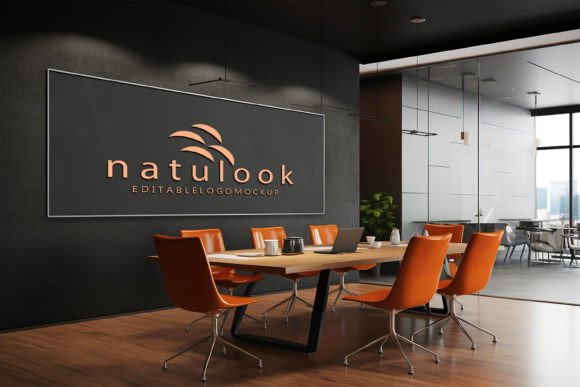
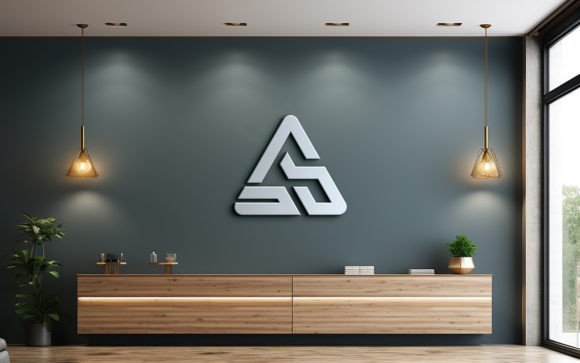
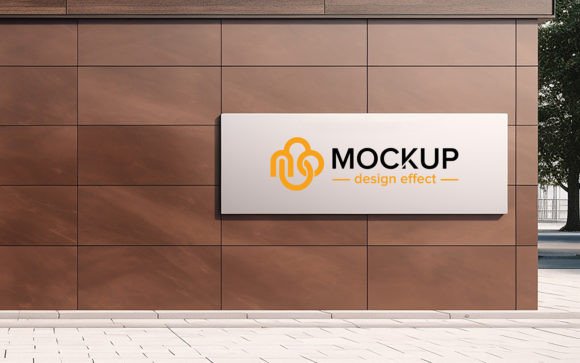
When presenting a new identity system, context is everything. A logo floating on a white background tells a client what the shape and color are, but it does not tell them how the brand feels in the real world. An Outdoor Board Wall Logo Mockup places the design within an architectural environment. It shows how sunlight hits the surface, how the texture of the wall interacts with the ink or material, and how the scale of the signage relates to human perception.
This level of detail builds trust. Clients are more likely to approve designs when they can visualize the end result clearly. For freelancers and small business owners, this means fewer revision rounds and faster project completion. For marketers, it provides high-quality assets for social media campaigns, pitch decks, and portfolio pieces that stand out in a crowded digital landscape. The psychological impact of seeing a brand "in situ" cannot be overstated; it transforms an abstract idea into a concrete reality.
Technical Simplicity Meets High-Quality Output
One of the most significant barriers to creating realistic mockups is the technical skill required to manipulate lighting and perspective manually. This template removes that barrier entirely. The file is built with fully layered and well-organized folders, making navigation intuitive even for those who are not Photoshop experts. The primary feature is the smart object replacement layer. You simply double-click the smart object, paste your design, save, and close. The software handles the rest.
The result is a 300 DPI image that retains crisp details suitable for both web and print use. The high resolution ensures that textures such as concrete grain, paint strokes, or weathering effects are visible and tactile. Because the layers are non-destructive, you can experiment with different variations without fear of ruining the original file. This flexibility encourages exploration, allowing you to test multiple colorways or layout options quickly.
- High Quality 3D Realistic: Rendered with attention to light physics and material properties.
- Smart Object Replacement: Automated integration of your artwork with proper perspective.
- Very Easy to Edit: No advanced masking or blending mode knowledge required.
- Fully Layered: Organized structure for easy customization of background or foreground elements.
Creative Applications Across Industries
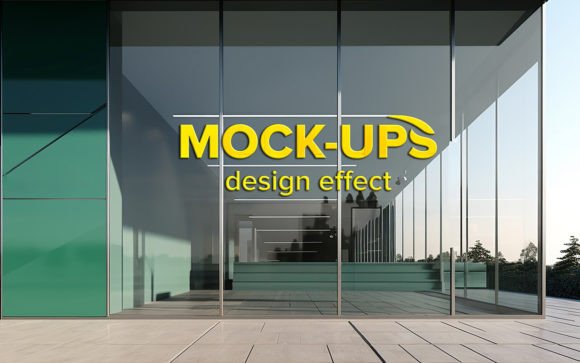
The versatility of an outdoor board wall setting makes it relevant for a wide range of industries. For retail brands, it can simulate storefront signage, giving a preview of how the shop will look from the street. For corporate entities, it can represent headquarters branding or directional signage within a business park. Even non-profits can use it to visualize community murals or awareness campaigns on public walls.
Consider the approach for a lifestyle brand. Instead of a sterile office environment, placing the logo on a weathered outdoor board suggests durability, adventure, and authenticity. For a tech startup, the same mockup can be used to show a sleek, modern installation against a clean, minimalist wall, emphasizing innovation and clarity. The key is to align the environmental context of the mockup with the brand’s core values.
Educators and students can also benefit significantly from this tool. In design courses, teaching the importance of presentation is as crucial as teaching typography or color theory. Using realistic mockups helps students understand scale and proportion. It prepares them for professional workflows where client communication relies heavily on visual persuasion. Hobbyists and publishers can use these images to create compelling book covers or promotional materials that feature fictional brands or real-world projects.
Maximizing Impact Through Strategic Design
To get the most out of your Outdoor Board Wall Logo Mockup, consider the interplay between your design and the environment. If the wall texture is rough, ensure your logo has enough contrast to remain legible. If the lighting in the scene is dramatic, with strong shadows, adjust the brightness of your artwork so it does not get lost in the dark areas. While the smart object handles the mechanical integration, your eye for balance ensures the final image is aesthetically pleasing.
Consistency is another critical factor. If you are presenting a full brand identity, use the same mockup style across different touchpoints. This creates a cohesive narrative. For example, if you use this outdoor board for the main logo reveal, consider using complementary mockups for business cards or packaging to maintain a unified visual language. This consistency reinforces brand recognition and professionalism.
Furthermore, think about the story you are telling. An outdoor board implies permanence and public presence. Use this to your advantage by positioning your brand as established and trustworthy. Avoid cluttering the composition. Let the logo breathe within the frame. The negative space around the design is just as important as the design itself, guiding the viewer’s eye and emphasizing the focal point.
Practical Tips for Best Results
Before starting, ensure your source file is high quality. Vector formats like AI or EPS are ideal because they scale infinitely without losing resolution. If you are using raster images, ensure they are at least 300 DPI to match the mockup’s quality. When replacing the smart object, check the alignment. Sometimes, minor adjustments to the position or scale within the smart object window can make a significant difference in the final output.
Take advantage of the editable nature of the file. While the default lighting is optimized for realism, you may want to tweak the overall tone to match your brand colors. Adjusting the hue/saturation or levels of the background layers can subtly shift the mood from warm and inviting to cool and professional. However, always maintain the integrity of the shadows and highlights to preserve the 3D effect.
Finally, remember that this tool is meant to save time and enhance quality. Do not over-edit. The strength of the mockup lies in its ready-to-use nature. Trust the underlying 3D rendering and focus on selecting the right design to place within it. By keeping your workflow efficient and your creative intent clear, you will produce stunning visuals that resonate with your audience.
In conclusion, the Outdoor Board Wall Logo Mockup is more than just a template; it is a strategic asset for anyone involved in visual communication. It empowers creators to present their work with confidence, clarity, and professional polish. Whether you are a seasoned designer or a small business owner handling your own marketing, this tool offers a straightforward path to achieving high-impact results. Embrace the realism, explore the possibilities, and let your designs speak louder in the real world.