Mastering Visual Branding: A Beginner’s Guide to Indoor Wall Logo Mockups
In the modern digital landscape, presenting a brand identity effectively is just as crucial as designing it. Whether you are a freelance graphic designer, a marketing agency owner, or a small business entrepreneur, the way you showcase your logo can significantly influence client perception. This is where the Logo Mockup Indoor Wall becomes an indispensable tool. It bridges the gap between a flat digital file and a tangible, real-world application, allowing viewers to visualize how a brand lives in physical space.
Many beginners assume that creating realistic presentations requires advanced photography skills or expensive studio equipment. However, with the advent of high-quality smart object templates, this barrier has been removed. By utilizing a pre-designed indoor wall mockup, you can achieve professional-grade results with minimal effort. This article explores the purpose, significance, and practical application of these tools, helping you understand why they are essential for modern creative workflows.
Understanding the Purpose of Wall Mockups
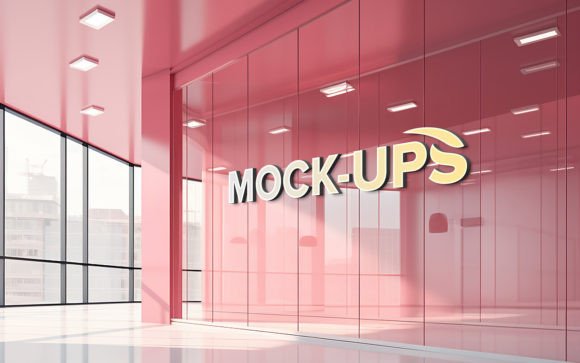
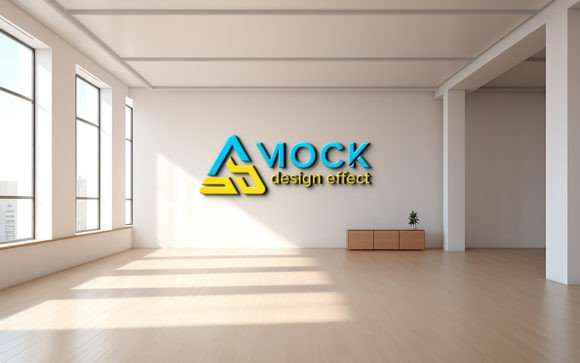
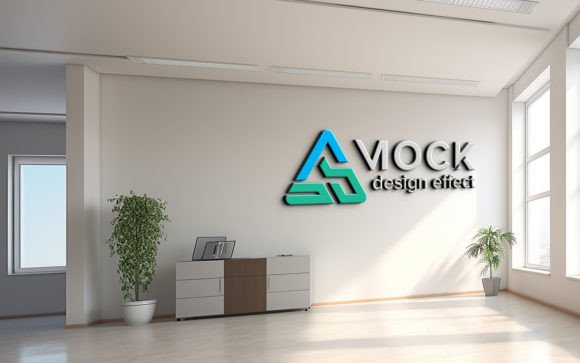
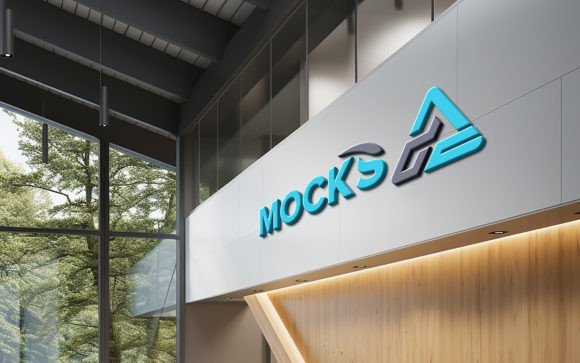
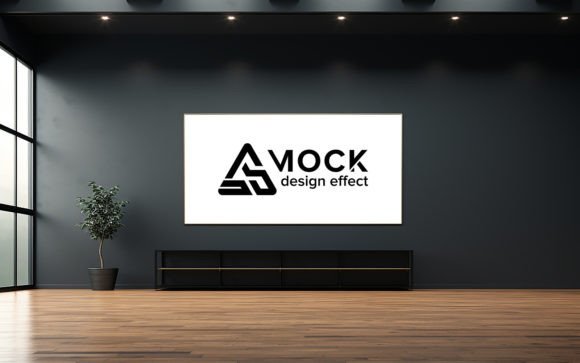
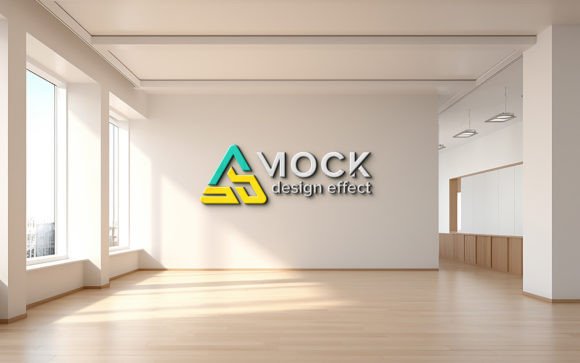
A mockup is essentially a visual template that allows designers to place their artwork onto a realistic background. An indoor wall mockup specifically simulates a logo mounted on an interior surface, such as an office lobby, a retail store entrance, or a home office. The primary purpose is context. A logo viewed in isolation on a white screen lacks the environmental cues that give it weight and presence.
When a potential client sees a logo rendered on a textured wall with natural lighting and shadows, it triggers a psychological response. It suggests stability, permanence, and professionalism. This is particularly relevant in today’s remote-work era, where digital portfolios are the primary method of showcasing work. A well-executed mockup tells a story about how the brand interacts with its environment, making the design feel "real" before it is ever printed or installed.
The Role of Smart Objects in Design Efficiency
The technical backbone of these high-quality templates is the Smart Object feature found in Adobe Photoshop. For those new to design software, this concept might seem intimidating, but it is actually designed for simplicity. A smart object is a container that holds your image data non-destructively. When you use a mockup labeled as "Smart Object Replacement," you are not manually painting shadows or adjusting perspective lines.
Instead, the process is automated. You simply double-click the smart object layer, paste your logo, save, and close the window. The template automatically applies the correct perspective, lighting, and shadow effects to your design. This means no skill requirement is needed for complex photo manipulation. The heavy lifting regarding 3D realism has already been done by the template creator, allowing you to focus purely on your branding message.
Key Features of High-Quality Mockup Templates
Not all mockups are created equal. To ensure your portfolio stands out, it is vital to choose templates that offer specific technical advantages. Here are the critical features to look for when selecting an indoor wall mockup:
- High-Quality 3D Realism: The best templates are rendered using advanced 3D software, ensuring that light reflections and surface textures look authentic rather than flat or artificial.
- Resolution Matters: Always look for files that are at least 300 DPI (dots per inch). This ensures that if you need to print the presentation or view it on high-resolution retina displays, the image remains crisp and clear.
- Fully Layered and Organized: A professional PSD file will have well-organized layers in folders. This structure allows you to easily toggle visibility, adjust background colors, or modify ambient lighting without digging through hundreds of unnamed layers.
- 100% Editable: Flexibility is key. You should be able to change not just the logo, but also elements like wall color, shadow intensity, and even the surrounding decor to match your brand’s aesthetic.
Practical Relevance in Business and Creativity
Why does this matter for your daily work or business? The answer lies in communication. In creative industries, clients often struggle to visualize abstract concepts. A flat JPEG of a logo does not convey scale or material. By using an indoor wall mockup, you provide a concrete example of the final product.
For example, imagine you are designing a brand identity for a boutique coffee shop. Presenting the logo on a clean, minimalist indoor wall mockup helps the client imagine walking into their future store. It adds emotional value to the design pitch. Furthermore, for social media marketing, these realistic images perform better than flat graphics because they stop the scroll. They look like photographs, which users are naturally drawn to, thereby increasing engagement rates for your portfolio or client posts.
Common Misunderstandings About Mockups
A common misconception is that using mockups is "cheating" or lacks originality. In reality, mockups are industry-standard tools used by top-tier agencies worldwide. They are not a replacement for good design; they are a vessel for it. Another assumption is that editing these files requires expert-level Photoshop knowledge. As mentioned earlier, modern templates are designed for ease of use. With features like automatic shadow generation, even beginners can produce results that look like they were shot by a professional photographer.
It is also important to note that while the template provides the realism, the quality of your input matters. Ensure your logo is a high-resolution vector or PNG with a transparent background. Placing a low-resolution image into a high-quality smart object will result in a pixelated final product, undermining the realism of the mockup.
How to Get Started: A Simple Workflow
To help you integrate this tool into your workflow, here is a straightforward guide on how to use a typical indoor wall mockup pack:
- Download and Open: Unzip your downloaded pack. You will typically find one PSD file and one JPG preview. Open the PSD file in Adobe Photoshop.
- Locate the Smart Object: Look for the layer named "Your Logo Here" or similar, usually indicated by a small icon in the corner of the layer thumbnail.
- Insert Your Design: Double-click the smart object thumbnail. A new tab will open. Place your logo file here, resize it to fit the designated area, and save (Ctrl+S or Cmd+S).
- Review and Adjust: Return to the main mockup file. Your logo will now appear on the wall with realistic shadows and lighting. If the template allows, adjust the opacity or blending modes to fine-tune the integration.
- Export: Save your final image as a JPG or PNG for use in your portfolio, social media, or client presentations.
Conclusion
The Logo Mockup Indoor Wall is more than just a digital asset; it is a powerful communication tool that enhances the perceived value of your design work. By leveraging high-quality, 3D-rendered templates with smart object functionality, you can create stunning, realistic presentations without the need for expensive photography or advanced technical skills. These tools democratize high-end visual presentation, allowing creators of all levels to showcase their work in its best possible light.
Whether you are building a portfolio, pitching to a new client, or promoting your services on social media, incorporating realistic indoor wall mockups can significantly elevate your professional image. Remember to choose templates that are fully layered, high-resolution, and easy to edit. By doing so, you ensure that your focus remains where it belongs: on creating exceptional designs that resonate with your audience. If you find these tools helpful, consider supporting the creators by rating their products, which helps maintain the ecosystem of high-quality resources available to the design community.