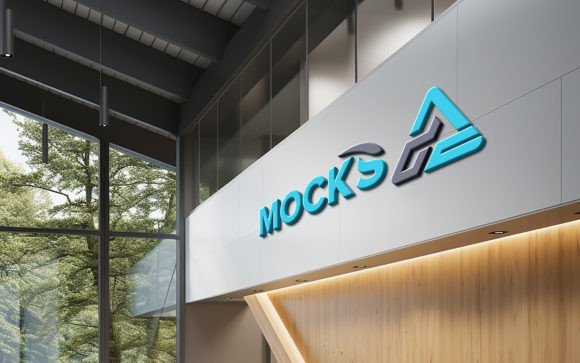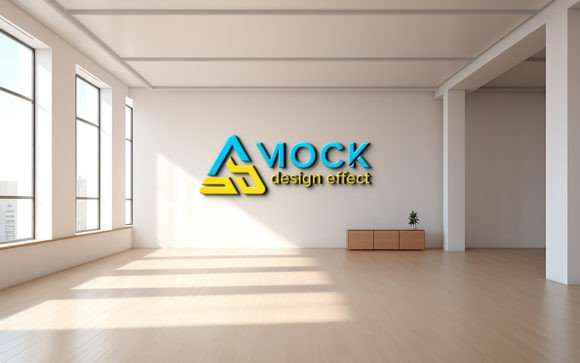
Corporate Office White Wall Mockup: Integrating Realistic Branding into Professional Workflows
In the modern landscape of brand development and interior design visualization, the gap between a digital concept and its physical realization is often where client confidence wavers. Stakeholders need to see how a logo, signage, or artwork will interact with light, texture, and space before committing resources to production. This is where a Corporate Office White Wall Mockup becomes an indispensable asset in your creative toolkit. It is not merely a static image; it is a dynamic bridge between abstract design files and tangible reality, allowing professionals to present ideas with precision and clarity.
For designers, marketers, and business owners, the ability to visualize branding within a realistic corporate environment is crucial for effective communication. A high-quality mockup eliminates ambiguity. It answers the immediate questions clients have about scale, placement, and aesthetic harmony. By utilizing a tool that offers smart object replacement and automatic shadow integration, you streamline the presentation phase, ensuring that your focus remains on creative excellence rather than technical manipulation.
The Role of Realistic Visualization in Client Presentations
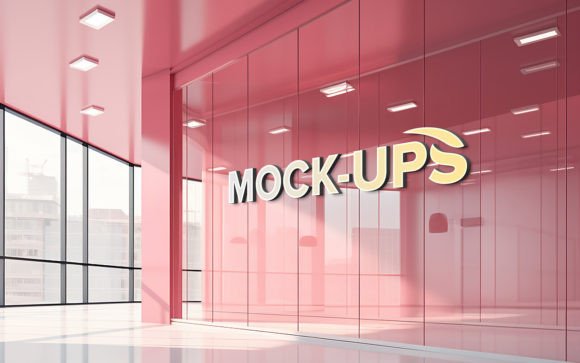
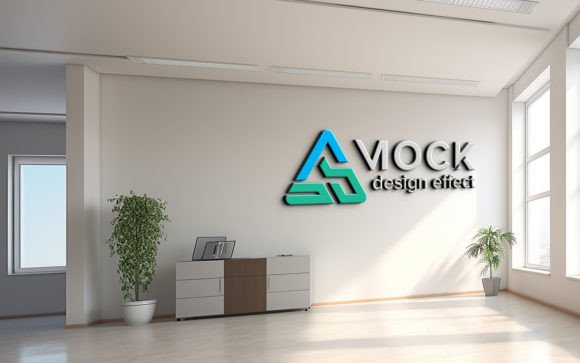
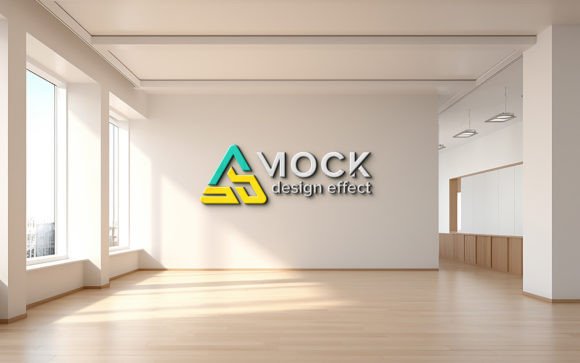
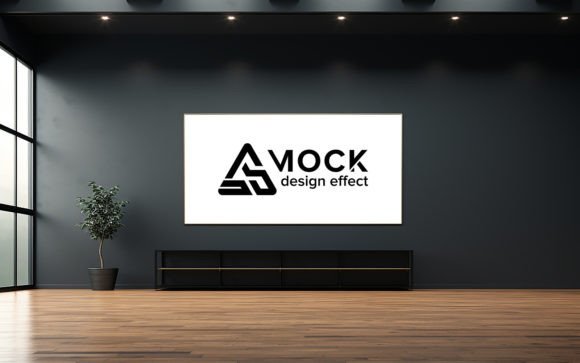
When presenting a new brand identity or office signage concept, context is everything. A logo displayed on a plain white background lacks the environmental cues necessary for a client to envision its impact in a real-world setting. A Corporate Office White Wall Mockup provides that essential context. It places your design within a professional, minimalist environment that mimics the clean lines and neutral tones typical of contemporary office spaces.
This type of visualization serves multiple purposes in the pre-production phase. First, it acts as a decision-making aid. Clients can better judge whether the color palette of their logo complements the surrounding architecture. Second, it helps in assessing legibility and scale. Seeing a design on a large wall surface reveals issues that might be invisible on a small screen. Finally, it enhances the perceived value of your service. Delivering a photorealistic representation demonstrates attention to detail and professionalism, fostering trust and accelerating approval processes.
Technical Advantages of Smart Object Integration
The efficiency of any design workflow depends heavily on the tools used. Traditional methods of compositing designs onto photos require manual adjustments for perspective, lighting, and shadows—a time-consuming process that demands advanced Photoshop skills. In contrast, a mockup built with Smart Object Replacement automates these complex tasks. When you open the PSD file, you are presented with a layered structure where the design area is clearly marked.
By double-clicking the smart object layer, you can paste your own logo, text, or graphic design. Upon saving and closing the smart object window, the main document updates instantly. The software automatically applies the correct perspective distortion, ensuring your design aligns perfectly with the wall’s angle. More importantly, it integrates realistic shadows and lighting effects. This means your design does not look like it is floating above the image; it appears painted on or mounted, reacting to the ambient light sources just as a physical object would.
This feature is particularly valuable for freelancers and small agencies who need to maintain high output without sacrificing quality. It removes the barrier of technical expertise, allowing individuals with basic software knowledge to produce premium-quality visuals. The 100% editable nature of the file ensures that you are not locked into a rigid template. You can adjust colors, tweak brightness, or modify the intensity of shadows to match specific brand guidelines or lighting conditions required by the client.
Workflow Integration and Practical Implementation
Integrating a Corporate Office White Wall Mockup into your daily routine requires understanding where it fits in the broader project lifecycle. Typically, this tool is most effective during the refinement and presentation stages. Once initial concepts are approved in flat 2D formats, the mockup allows you to elevate those concepts into immersive 3D-like experiences.
To maximize efficiency, organize your assets before opening the mockup file. Ensure your logos are vector-based or high-resolution PNGs with transparent backgrounds. This preparation prevents pixelation when the design is scaled up to fit the wall dimensions. Since the pack includes a 300 DPI resolution file, it is suitable for both high-definition digital presentations and print-ready proofs. Maintaining this level of quality ensures that your work looks crisp on large monitors and in printed pitch decks.
Consider the following workflow example: A marketing team is rebranding a corporate headquarters. After finalizing the logo variations, the designer uses the white wall mockup to test three different placements—centered, off-center, and accompanied by tagline text. Each variation is saved as a separate JPG. These images are then compiled into a slide deck, allowing stakeholders to compare options side-by-side in a realistic setting. This method reduces back-and-forth emails and clarifies preferences quickly.
Quality Control and Organizational Best Practices
A well-organized file structure is the backbone of a sustainable design workflow. The included PSD features fully layered and well-organized layers in folders. This organization is not just for aesthetics; it is functional. It allows you to isolate specific elements if further customization is needed. For instance, you might want to adjust the wall’s brightness independently of the shadow layer to simulate different times of day or lighting setups.
When using such resources, consistency is key. If you are creating a series of mockups for a single client, ensure that the lighting and perspective remain consistent across all images. This creates a cohesive narrative in your presentation. Additionally, always keep a backup of the original PSD file. While smart objects are non-destructive, accidental saves can overwrite your base template. Establishing a naming convention for your exported JPGs—such as ClientName_WallMockup_V1.jpg—helps in version control and easy retrieval.
Compatibility is another factor to consider. Ensure your version of Adobe Photoshop supports smart objects and the specific features used in the template. Most modern versions handle these files seamlessly, but keeping your software updated ensures you benefit from performance improvements and bug fixes. The simplicity of the interface means that even users transitioning from other design platforms can adapt quickly, focusing on the creative outcome rather than struggling with the tool.
Long-Term Value and Versatility
Investing in a high-quality Corporate Office White Wall Mockup yields long-term benefits beyond a single project. Its versatility allows it to be used across various industries. Interior designers can use it to showcase art selections for corporate lobbies. Event planners can visualize sponsorship banners. HR departments can preview motivational quotes or company values displayed in common areas. The neutral white background ensures that it does not clash with diverse brand colors, making it a universal asset.
Moreover, the ease of use encourages experimentation. Designers are more likely to explore unconventional layouts or bold typography when they know they can visualize the result instantly without hours of manual editing. This freedom fosters creativity and can lead to more innovative solutions for clients. Over time, building a library of such realistic mockups enhances your portfolio’s professionalism, attracting higher-value clients who appreciate detailed and thoughtful presentations.
In conclusion, the Corporate Office White Wall Mockup is more than a digital template; it is a strategic tool for enhancing communication, speeding up approvals, and elevating design quality. By leveraging its smart object capabilities, high resolution, and organized structure, professionals can integrate realistic visualizations seamlessly into their workflows. Whether you are a seasoned designer or a business owner managing your own branding, this resource simplifies the complex task of bringing digital designs into the physical world, ensuring that your vision is understood, appreciated, and approved.