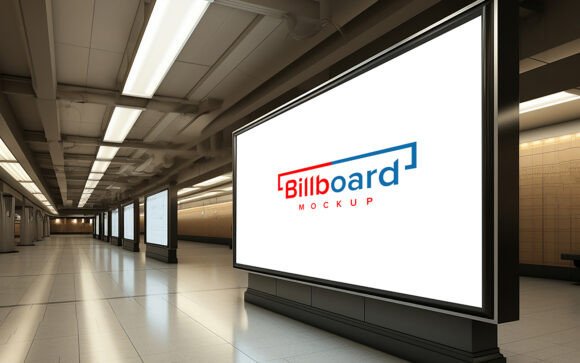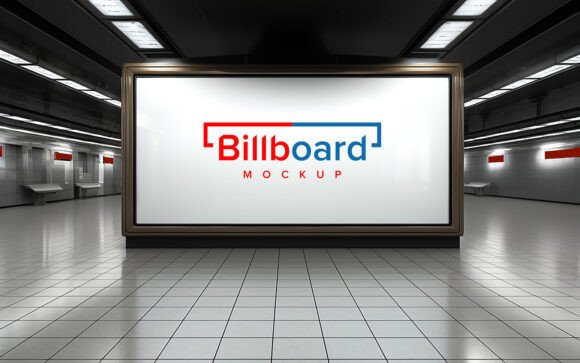
Mastering Visual Impact: A Guide to Using Mock Up Blank Billboards with Copy Space
In the fast-paced world of digital marketing and graphic design, presentation is everything. Before a campaign goes live on the streets, clients and stakeholders need to visualize how their message will look in the real world. This is where the Mock Up Blank Billboard with Copy Space becomes an indispensable tool. It bridges the gap between a flat digital file and a tangible, large-scale advertisement, allowing designers to showcase their work with professional realism.
For many beginners, the idea of creating realistic mockups can seem daunting. It often conjures images of complex 3D rendering software or hours spent manually adjusting shadows and perspectives. However, modern design resources have simplified this process significantly. By utilizing high-quality, ready-to-use templates, you can achieve stunning results without needing advanced technical skills. This article explores the purpose, significance, and practical application of these tools, helping you understand why they are essential for modern creative workflows.
Understanding the Purpose of Billboard Mockups
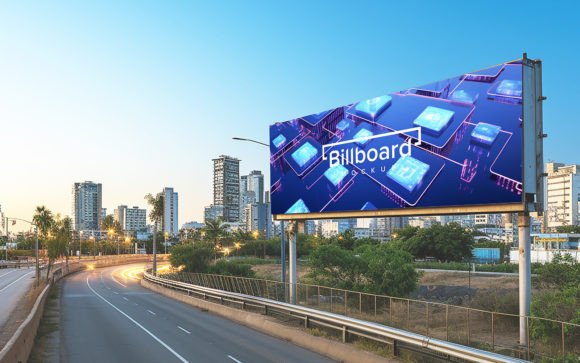
A billboard mockup is essentially a digital template that simulates a physical advertising space. The term "copy space" refers to the specific area within the image where your design, logo, or text will be placed. The primary purpose of using a blank billboard template is to provide context. A logo sitting on a white background tells a client what the brand looks like; that same logo on a massive highway billboard tells them how the brand feels in the real world.
This contextualization is crucial for several reasons. First, it helps in assessing readability. Will the font size be legible from a moving car? Second, it aids in color correction. Colors look different on a backlit screen versus a printed vinyl surface under sunlight. By placing your design into a realistic environment, you can make necessary adjustments before committing to expensive printing costs.
Why Realism Matters in Client Presentations
When presenting ideas to clients, perception is reality. A flat JPEG of a design often fails to convey the scale and impact of outdoor advertising. Using a high-quality 3D realistic mockup adds a layer of professionalism and credibility to your pitch. It demonstrates that you have thought about the final execution, not just the digital composition.
Moreover, realistic lighting and shadows play a pivotal role in this process. When a design is simply pasted onto a photo, it often looks fake because it lacks interaction with the environment. Premium mockup templates solve this by using Smart Object Replacement. This technology ensures that when you insert your design, it automatically adopts the correct shadows, highlights, and perspective distortions of the underlying billboard structure. The result is a seamless blend that looks like a photograph taken on location.
Key Features of Professional Mockup Templates
Not all mockups are created equal. To ensure you are getting the best value and ease of use, it is important to look for specific features in your template pack. Here is what makes a high-end billboard mockup stand out:
- Smart Object Functionality: This is the most critical feature. It allows you to double-click a layer, paste your design, save, and see it instantly applied to the billboard with all effects intact. No manual warping is required.
- High Resolution (300 DPI): For print-ready presentations or high-definition screens, a resolution of 300 dots per inch is standard. This ensures that your mockup remains crisp and clear, even when zoomed in.
- Organized Layer Structure: A well-organized PSD file saves time. Look for templates where layers are grouped into folders such as "Background," "Billboard Frame," "Design Area," and "Effects." This makes editing intuitive and reduces the risk of accidentally deleting essential elements.
- Editable Elements: While the core structure is fixed, the ability to tweak certain aspects—such as the sky color, time of day, or surrounding environment—adds versatility. A 100% editable template gives you the freedom to match the mood of your specific campaign.
How to Use a Blank Billboard Mockup: A Step-by-Step Approach
One of the biggest advantages of these templates is that they require no skill requirement beyond basic familiarity with Photoshop. You do not need to be a 3D artist or a photography expert. Here is a simple guide to getting started:
- Open the PSD File: Launch Adobe Photoshop and open the provided .psd file. Ensure you have the latest version of the software to avoid compatibility issues with smart objects.
- Locate the Smart Object: In the layers panel, look for the layer named "Your Design Here" or similar. It will usually have a small icon in the corner indicating it is a smart object.
- Insert Your Design: Double-click the thumbnail of the smart object. A new tab will open. Paste your logo, artwork, or text into this window. Adjust the size and position as needed within this safe zone.
- Save and Update: Press Ctrl+S (or Command+S on Mac) to save the changes. Close the smart object tab and return to the main document. You will see your design automatically mapped onto the billboard with realistic shadows and lighting.
- Finalize and Export: Make any final adjustments to the overall brightness or contrast if necessary. Then, export the file as a high-quality JPG or PNG for your presentation.
The Broader Impact on Creative Workflows
Integrating tools like the Mock Up Blank Billboard into your workflow does more than just save time; it enhances creativity. When the technical burden of realism is removed, designers can focus on experimentation. You can quickly test five different color schemes or ten different headlines to see which one pops best against the urban backdrop.
This efficiency is particularly valuable in agency settings where turnaround times are tight. Instead of spending hours setting up a 3D scene, a designer can produce multiple variations in minutes. This agility allows for more iterative feedback loops with clients, leading to a stronger final product.
Furthermore, these tools democratize high-end visualization. Freelancers and small business owners who may not have the budget for custom 3D rendering can still present their ideas with the same polish as large agencies. This levels the playing field and raises the standard of visual communication across the industry.
Common Misunderstandings About Mockups
There is a common misconception that using mockups is "cheating" or lacks originality. In reality, mockups are standard industry practice. They are tools, much like a camera or a paintbrush. The creativity lies in the design you place within the mockup, not necessarily in the creation of the billboard structure itself. Another misunderstanding is that mockups are rigid. On the contrary, fully layered and well-organized files offer significant flexibility, allowing users to change backgrounds, adjust lighting angles, and modify textures to suit unique project needs.
Conclusion
The Mock Up Blank Billboard with Copy Space is more than just a digital asset; it is a vital component of modern visual storytelling. By providing a realistic, easy-to-edit platform for showcasing designs, it empowers creators to communicate their vision effectively. Whether you are a seasoned art director or a beginner learning the ropes, leveraging these high-quality 3D realistic templates can elevate your portfolio and streamline your client interactions.
Remember, the goal is not just to display a logo, but to evoke the experience of seeing it in the wild. With features like smart object replacement, 300 DPI resolution, and fully editable layers, these packs offer everything you need to achieve that goal effortlessly. So, the next time you prepare a presentation, consider the power of context. Download a reliable mockup pack, replace your logo, and watch your design come to life. And please, don’t forget to rate the tools that help you succeed, as community feedback drives the creation of even better resources for everyone.